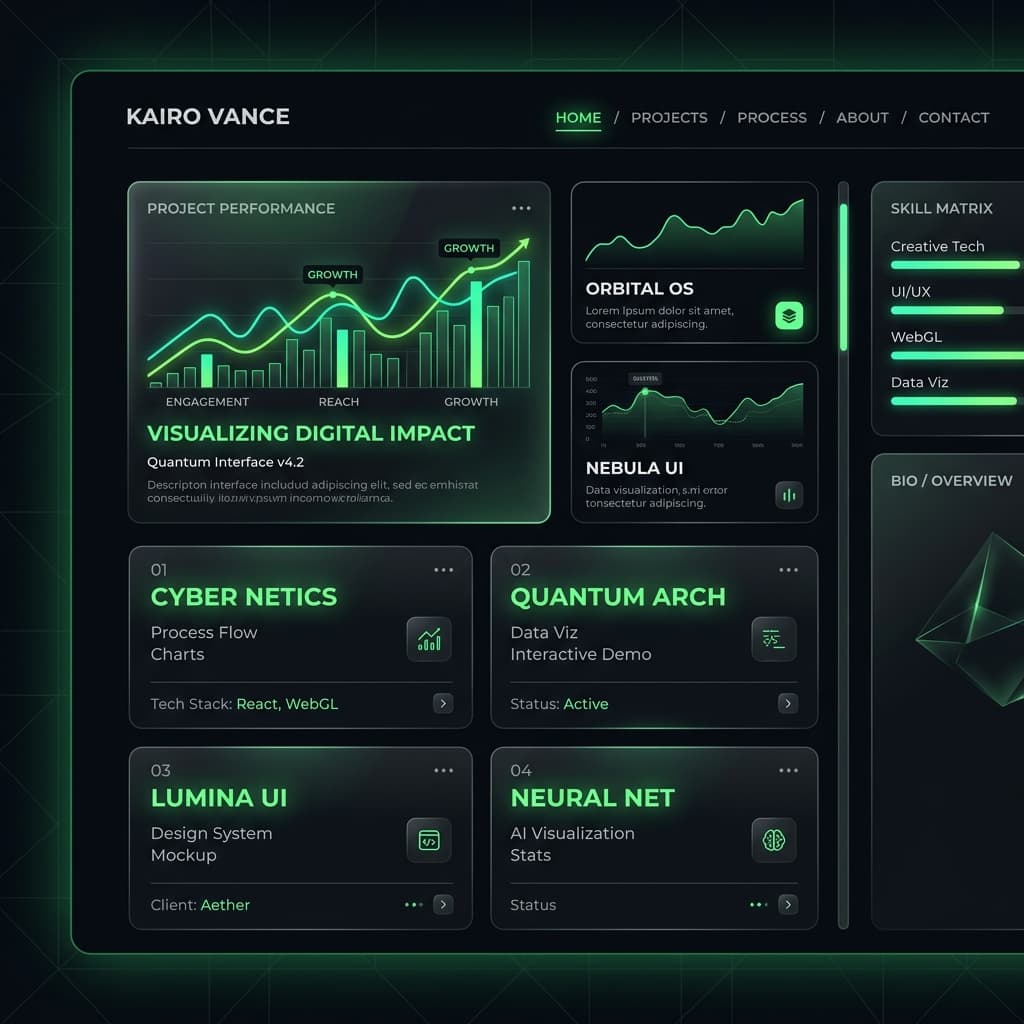
Welcome to my first blog post! In this article, I want to walk you through how I built this portfolio site and migrated it to Next.js to achieve stellar performance, seamless client-side page loads, and elegant dark/glass aesthetics.
Moving from a classic Single Page Application (SPA) architecture to a modern Meta-Framework like Next.js opens up powerful features. Let's dive into why this matters and how to set it up.
Why Next.js in 2026?
Next.js has become the de facto standard for building React web applications. The introduction of the App Router changed the landscape by offering:
- Server Components by Default (RSC): Reduces the amount of client-side Javascript shipped to the browser, resulting in lightning-fast initial load times.
- Simplified Routing: Directory-based routing allows you to define clean, declarative page folders.
- Optimized Asset Pipeline: Automated image optimization via
<Image />and automatic font loading prevent layout shifts (CLS).
Here is a quick look at the file structure we settled on for our migration:
├── app
│   ├── blog
│   │   ├── [slug]
│   │   │   └── page.tsx
│   │   └── page.tsx
│   ├── contacts
│   │   └── page.tsx
│   ├── globals.css
│   ├── layout.tsx
│   └── page.tsx
├── components
│   ├── HeroSection.tsx
│   └── navbar.tsx
└── data
    └── posts
        └── building-modern-nextjs-portfolio.md
Styling the Glassmorphic Design
Aesthetics are a crucial part of first impressions. By leveraging vanilla CSS custom properties (variables) and backdrop-filtering, we can create a stunning glassmorphism style that adapts seamlessly:
:root {
  --color-bg-glass: rgba(255, 255, 255, 0.8);
  --color-border: rgba(0, 0, 0, 0.08);
  --shadow-glow: 0 0 30px rgba(10, 106, 78, 0.15);
}

.glass-card {
  background: var(--color-bg-glass);
  backdrop-filter: blur(10px);
  border: 1px solid var(--color-border);
  border-radius: var(--radius-xl);
  transition: all 0.25s ease;
}

.glass-card:hover {
  border-color: rgba(10, 106, 78, 0.3);
  box-shadow: var(--shadow-glow);
  transform: translateY(-2px);
}
This ensures cards react dynamically to user interactions with smooth hover animations, raising the visual fidelity to a premium grade.
Processing Markdown Files dynamically
In the next section, we'll implement a static file parsing engine using gray-matter and marked. This reads markdown files directly from disk during static generation:
import fs from 'fs';
import path from 'path';
import matter from 'gray-matter';

export function getPostBySlug(slug: string) {
  const fullPath = path.join(process.cwd(), 'data/posts', `${slug}.md`);
  const fileContents = fs.readFileSync(fullPath, 'utf8');
  const { data, content } = matter(fileContents);

  return { data, content };
}
Wrapping Up
Migrating to Next.js wasn't just about faster builds—it was about creating a refined, polished experience that feels incredibly alive. In the next post, I'll detail my Neovim editor configuration that enables ultra-rapid development speeds.
Stay tuned for more web tech insights!